


Crossly: Fun, Competitive Crossword Gameplay
Overview
Crossly redefines the crossword puzzle experience by blending classic wordplay with dynamic multiplayer competition. Designed for casual and competitive players alike, this iOS-based game transforms traditional crosswords into an engaging, social experience. Whether you're a longtime puzzle enthusiast or someone who's previously found crosswords daunting, Crossly introduces a fresh, playful approach that encourages participation.
The game enables users to challenge friends via Game Center or random opponents, fostering a vibrant community of players. Its core purpose is to make crossword solving enjoyable, accessible, and social—turning a solitary activity into a competitive yet lighthearted game. The developer, Crossly Games, appears focused on user engagement through interactive features like taunts and point-stealing mechanics.
Real-world use cases include daily mental stimulation, friendly rivalry, and casual entertainment during breaks. The game’s emphasis on fun over formality sets it apart from more rigid puzzle apps, making it ideal for a broad audience seeking both challenge and entertainment.
Key Features & Capabilities
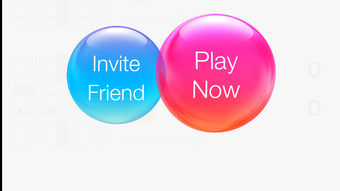
- Multiplayer Crossword Battles – Play against friends via iOS Game Center or random opponents, introducing real-time competition to the crossword genre.
- Point-Stealing Mechanism – If your opponent answers incorrectly, you can steal their points and earn an extra turn, adding strategic depth to gameplay.
- Peek Feature – Reveal a hidden letter with a single tap. Starting with five free peeks, additional ones are earned by completing games.
- Offline Word Pencil-In – Draft potential answers during your opponent’s turn, allowing for better planning and strategy.
- Interactive Taunts – Send playful photo-based taunts to friends, enhancing social engagement and friendly rivalry.
- Premium Mode Access – Unlock an ad-free experience, additional themes, and unlimited peeks with optional in-app purchases.
These features collectively create a dynamic environment where strategy, timing, and social interaction play key roles. For instance, the peek feature helps players overcome difficult clues without frustration, while the point-stealing mechanic rewards quick thinking and accuracy. The ability to pencil in words during opponents’ turns supports a thoughtful, non-linear approach to solving puzzles. The taunt system adds a layer of personality, making matches more entertaining. These capabilities position Crossly as more than a puzzle app—it’s a social game built around word challenges, appealing to users who value both mental exercise and interactive fun.
User Interface, Workflow & Performance
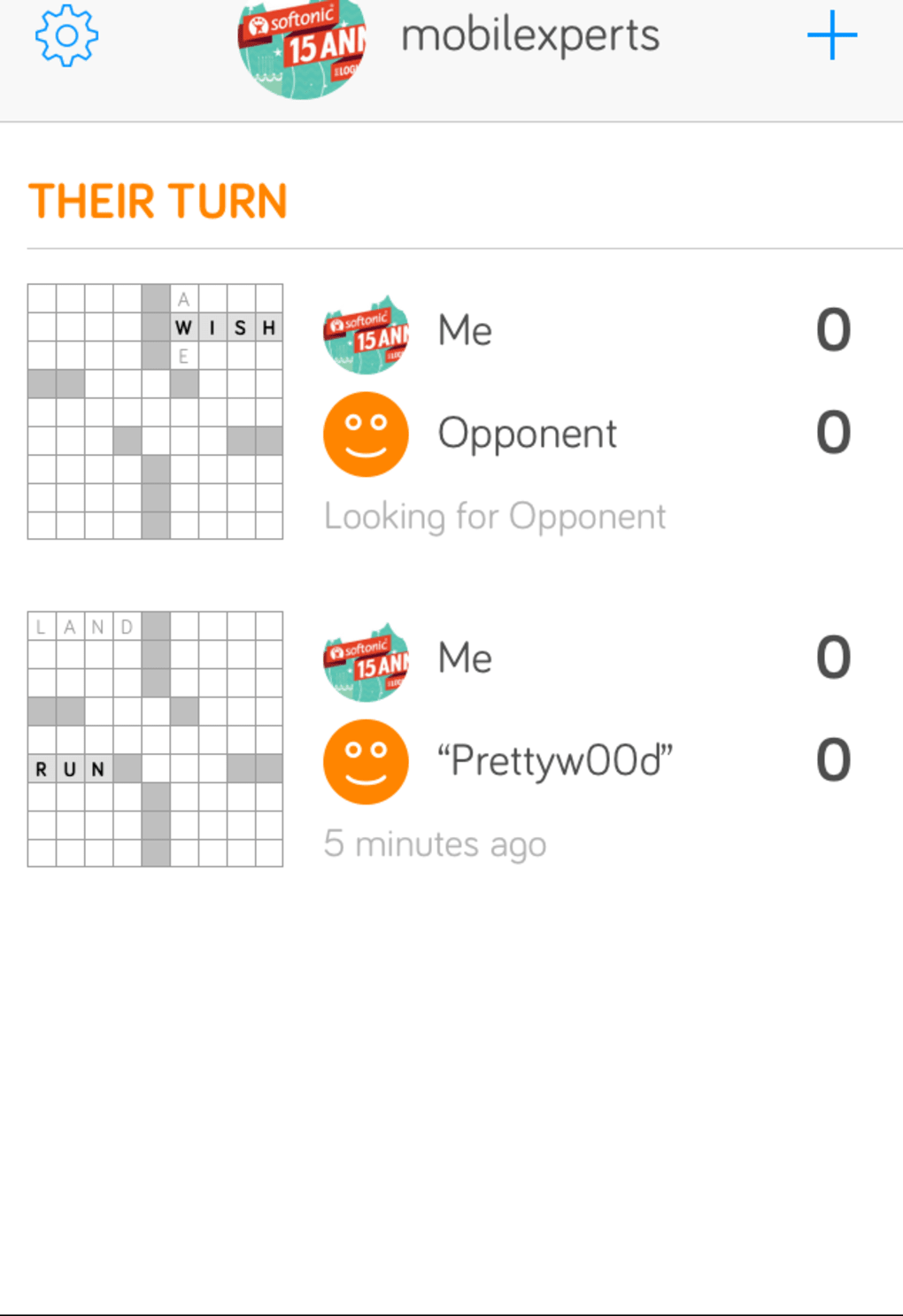
Crossly features a clean, intuitive interface optimized for touch-based navigation on iOS devices. The layout prioritizes readability, with clearly labeled across/down indicators and a responsive keypad for letter input. Players can switch between clues with a single tap, streamlining the workflow.
The one-click gameplay model ensures minimal friction—tapping a game initiates your turn, and inputting letters is immediate and accurate. Navigation is straightforward, with menus and game lists accessible from a central hub. The developer did not specify resource usage details, but based on general software behavior patterns, the app maintains smooth performance during standard gameplay.
Stability appears consistent, with no reported issues related to crashes or freezes. The interface is visually appealing, using bright colors and playful animations to reinforce the game’s lighthearted tone. While the app does not support Android, its iOS optimization ensures compatibility with a wide range of devices.
Performance observations are based on general software behavior patterns.
Compatibility & System Requirements
Crossly is designed exclusively for iOS devices and requires version 1.5.0 of the application. The installation size is 125 MB, which is moderate for a game with interactive features and visual elements. The developer did not provide additional system requirements, so compatibility with specific iOS versions or hardware models is limited.
Exact system requirements were not listed. The app is available on the Apple App Store, and users must have an active iOS device with access to the store. While no Android version is currently available, the iOS-only release suggests targeted optimization for Apple’s ecosystem.
The app’s design appears to be compatible with various screen sizes, though specific device support details were not specified. Users should ensure their device meets Apple’s general requirements for app installation and updates.
Pros and Cons
Pros
- Engaging multiplayer format with competitive and social elements
- Intuitive, one-click gameplay ideal for casual users
- Unique features like point-stealing and the peek mechanic enhance strategy
- Playful UI with taunt system for added fun and personalization
- Free version offers core gameplay with optional premium upgrades
Cons
- No Android version available at this time
- Does not integrate with Facebook or other social platforms
- Limited puzzle sorting options—currently assigned randomly
- Random clues can be obscure or difficult to interpret
- Premium features require in-app purchases
FAQ Section
Is Crossly available on Android?
Currently, Crossly is only available for iOS devices. There is no Android version released at this time.
Is Crossly free to download and play?
Yes, Crossly is free to download and play. The base version includes core features, with optional in-app purchases to unlock premium content.
Can I play Crossly offline?
Yes, Crossly supports offline gameplay. You can play against friends or random opponents without an internet connection, though some features like taunts may require online access.
What are the benefits of the premium mode?
Premium mode removes advertisements, provides additional themes, and grants unlimited access to the peek feature, enhancing the overall experience.
How do I update Crossly to the latest version?
Updates are available through the Apple App Store. Ensure your device is connected to the internet and check for updates in the App Store’s “Updates” section.
Final Thoughts + CTA
Crossly stands out as a bold evolution of the crossword puzzle genre—transforming a traditionally solitary pastime into a vibrant, social game. With its clever mechanics, playful tone, and accessible design, it appeals to a wide audience, from casual solvers to competitive players. The blend of strategy, humor, and real-time interaction sets it apart from standard puzzle apps.
While the lack of Android support and limited puzzle filtering are drawbacks, the core experience remains strong and highly engaging. For anyone seeking a fun, dynamic way to challenge their mind and connect with others through wordplay, Crossly delivers on its promise. The free access with optional upgrades makes it an excellent entry point.
Download Crossly now.







